01 Destination
02 Appearance
03 Export
Nothing is saved
01
Destination
albaplay.com/venue/your-venue
02
Appearance
Live preview
Not saved
https://albaplay.com/venue/your-venue
This experiment runs in your browser. It does not save the code, the venue slug or any choices you make.
Where a QR code earns its place in a golf venue
A QR code on a poster should be at least 2 cm across, about a tenth of the distance it is read from, and dark on a light background. The builder above makes one for your Alba booking page, ready for print.
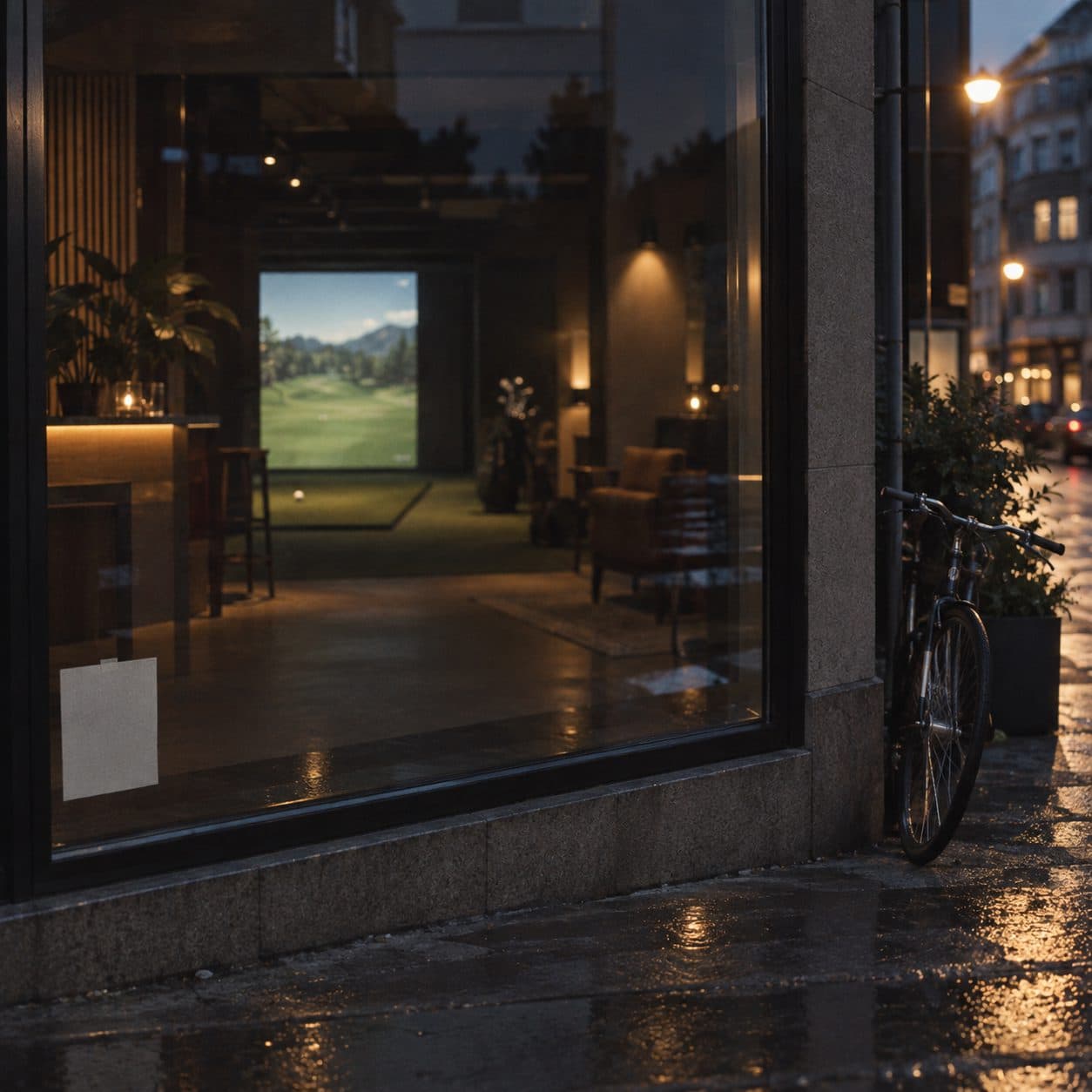
On the door, so a passer-by can book a bay before they walk in. On the wall of each bay, so a group that is having a good time can book the next hour without finding staff. On the receipt and on the scorecard, so a first visit turns into a second. On a poster in the window at the end of the season, pointing at memberships.
One code, one destination. A code that opens the booking page should not also try to sell gift cards; make a second one. Print at least 2 cm across, keep the code dark on a light background, and leave a clear margin around it. Test it with a phone before it goes to the printer.
Frequently asked questions
What should the QR code link to?
Your Alba booking page. One scan, one tap, a booked bay. Gift cards, memberships and events work the same way.
Does the QR code expire?
No. It encodes the address itself, so it works as long as the page exists. Print it once and keep it up.
How big should a printed QR code be?
At least 2 cm across for a poster read at arm's length, and about a tenth of the distance it is read from. A code on a wall read from three metres needs to be around 30 cm.
Can I change the colour?
Yes, as long as the code stays dark on a light background. Light codes on dark backgrounds fail on many phones.